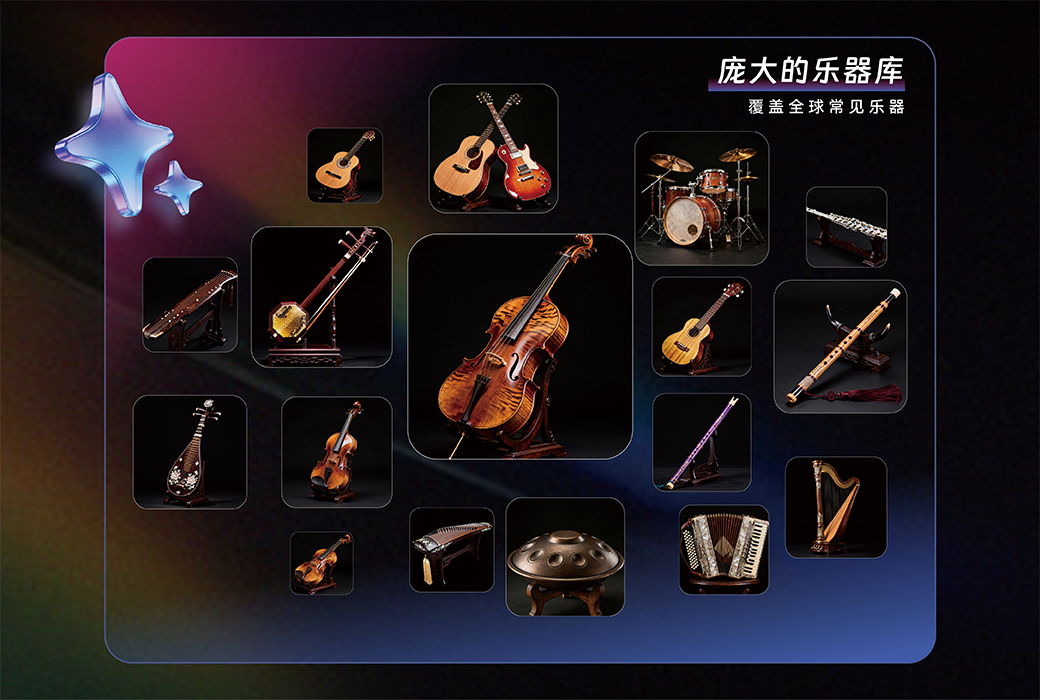
The brand-new "Instrument Recognition" feature is now live, specifically tailored for audio track separation scenarios.
When faced with complex audio content and struggling to discern the instrumentation, let AI analyze the composition of instruments for you first.
The system accurately identifies various instruments and vocals based on auditory evidence, with each result accompanied by a confidence rating, providing a professional basis for every separation.
Piano scroll, real-time score conversion, separation upgrade, instrument playback, song analysis, and creation enhancement.
YOOHE opens up the music creation process for you in all aspects!
Update Content
- The brand-new "Instrument Recognition" feature is now live, specifically tailored for audio track separation scenarios. When faced with complex audio content and struggling to discern the instrumentation, let AI analyze the composition of instruments for you first. The system accurately identifies various instruments and vocals based on auditory evidence, with each result accompanied by a confidence rating, providing a professional basis for every separation.
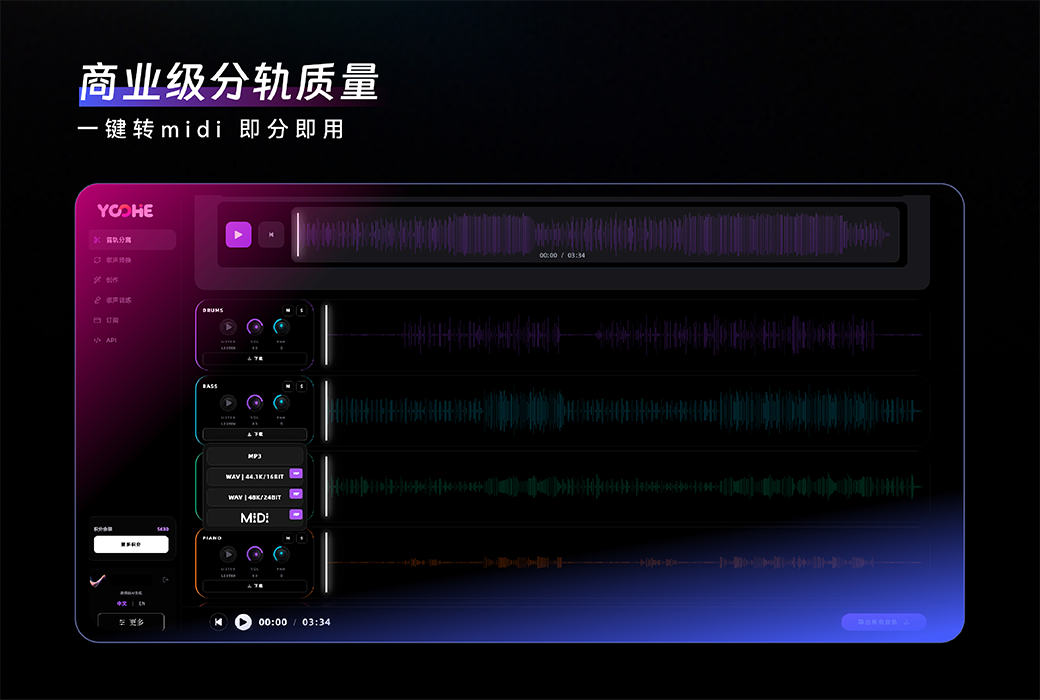
- Audio track separation adds harmonica and clarinet separation models
- Adds relevant prompt text for some operations
- UI adjustments on the homepage